
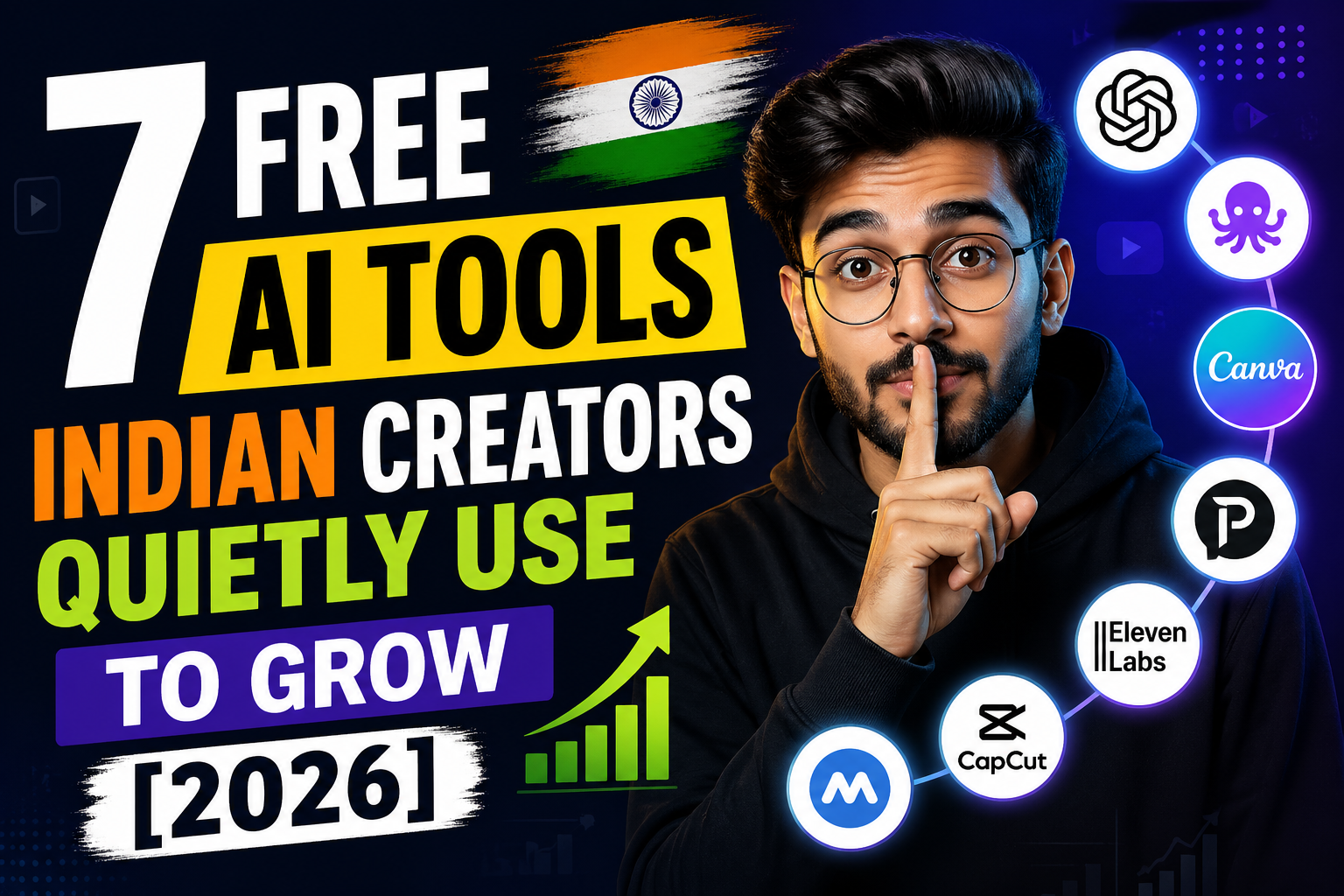
Most “best AI tools” lists you’ll find on Google right now were written for American freelancers with $200/month subscriptions. They casually recommend ChatGPT Plus, Midjourney Pro, Runway Standard — and quietly skip the fact that none of those make sense for an Indian creator just trying to grow their first 10,000 followers.
Here’s what’s actually happening in April 2026: Indian creators on Instagram, YouTube, and blogs have stitched together free-tier AI stacks that quietly do 80% of what those paid tools promise. I’ve spent the last few months testing these workflows myself for chaotechh.com and the @chaotechh Instagram account, and I’ll be honest — some of these tools have genuinely changed how I produce content.
This isn’t a list scraped from other lists. These are 7 free AI tools for Indian creators that real people are using right now to grow faster — without spending a single rupee on subscriptions.
Why “Free” Actually Works in 2026
Until 2024, free AI tools were toys. Watermarked images, 30-second video limits, broken Hindi outputs.
That changed. By April 2026, free tiers from Google, Anthropic, OpenAI, and a wave of new players are now genuinely competitive — especially for the kind of short-form, multi-language, fast-iteration content that wins in the Indian market. And because most Indian creators don’t have an enterprise budget, the discovery process has been bottom-up: trial and error in WhatsApp groups, Reddit threads, and creator Discords.
The 7 tools below are the ones that keep coming up. Let’s break them down honestly — what they’re good at, what they’re not, and how Indian creators are actually using them.
1. NotebookLM — The Research Brain Indian Creators Don’t Talk About
Best for: YouTube scripts, blog research, exam-prep content, finance creators
NotebookLM is Google’s free research assistant, and it’s wildly underused in India. Here’s why it matters: you can upload up to 50 sources (PDFs, websites, YouTube transcripts) per notebook — and NotebookLM becomes an expert grounded only in those sources. No hallucinations from random training data, no copy-pasting between fifteen browser tabs.
But the real killer feature is Audio Overview. It turns your sources into a 10–15 minute podcast where two AI hosts discuss the material in conversational English. For finance, tech, and education creators in India, this is gold — paste your research, generate a podcast version, and use it as audio reference, B-roll narration, or even direct content (with attribution).
What I Like
- Free tier supports up to 100 notebooks with 50 sources each
- Genuinely accurate when grounded in your uploaded sources
- Audio Overview saves hours of research time
What I Don’t Like
- Hindi support in audio overviews is still inconsistent
- 500K-word cap per notebook (rarely an issue, but worth knowing)
2. Perplexity AI — The Source-Cited Researcher
Best for: Tech reviewers, news commentary, blog writers who care about credibility
If you’ve ever had a generic AI confidently make up a fact, you know why citations matter. Perplexity AI’s free tier gives you unlimited standard searches with sources cited inline — exactly what Indian creators in tech, finance, and news commentary niches need.
For chaotechh.com specifically, I use Perplexity to verify smartphone specs and Indian launch dates before publishing. It pulls from current web data and shows me where every claim came from. The free tier also includes a small daily quota of Pro searches using more advanced models — enough for deeper research on a hero article.
What I Like
- Citations on every claim (huge for AdSense compliance)
- Pulls real-time data, not stale information from old training cycles
- The mobile app is genuinely fast and clean
What I Don’t Like
- The Pro search daily limit can feel tight on heavy research days
- Source quality varies — you still need to vet individual sites
3. Gemini with Nano Banana — Free Image Editing That Actually Works
Best for: Thumbnail design, Reel cover edits, blog featured images
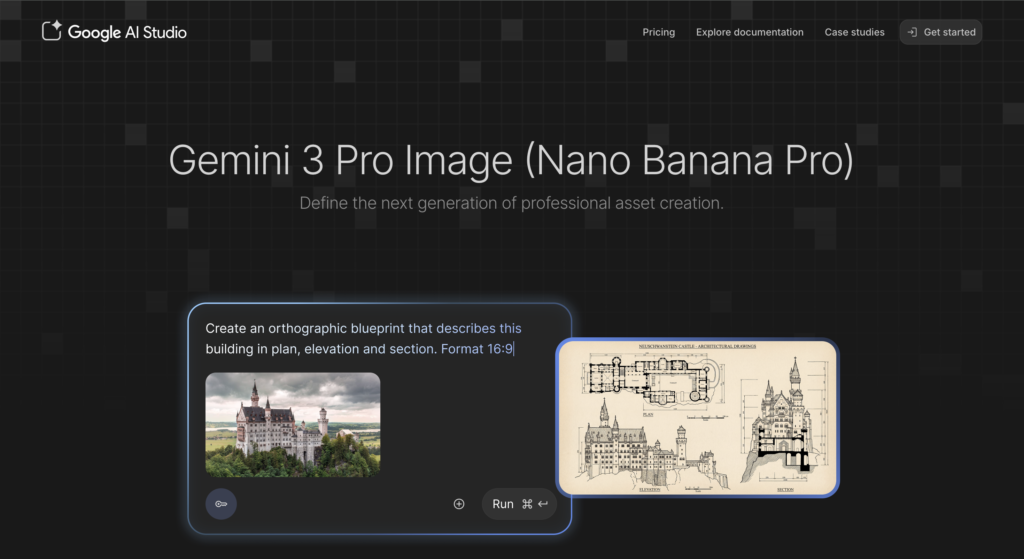
Indian creators have been quietly migrating away from Photoshop tutorials for one reason: Gemini’s image editing capability (nicknamed Nano Banana by the community) does in 5 seconds what used to take 20 minutes. Background swaps, object removal, outfit changes, lighting fixes — all via natural language prompts.
The free Gemini tier includes monthly AI credits that work for these edits. For most creators producing 3–5 thumbnails a week, you’ll never run out. And unlike a lot of paid editors, the output looks natural — not that telltale AI-glossy finish that screams “this is fake.”
What I Like
- Edit images by describing what you want, in Hindi or English
- Zero design skills required
- Output quality is genuinely production-ready for thumbnails
What I Don’t Like
- Daily and monthly credit caps if you push hard
- Doesn’t replace Canva for layout-heavy design work
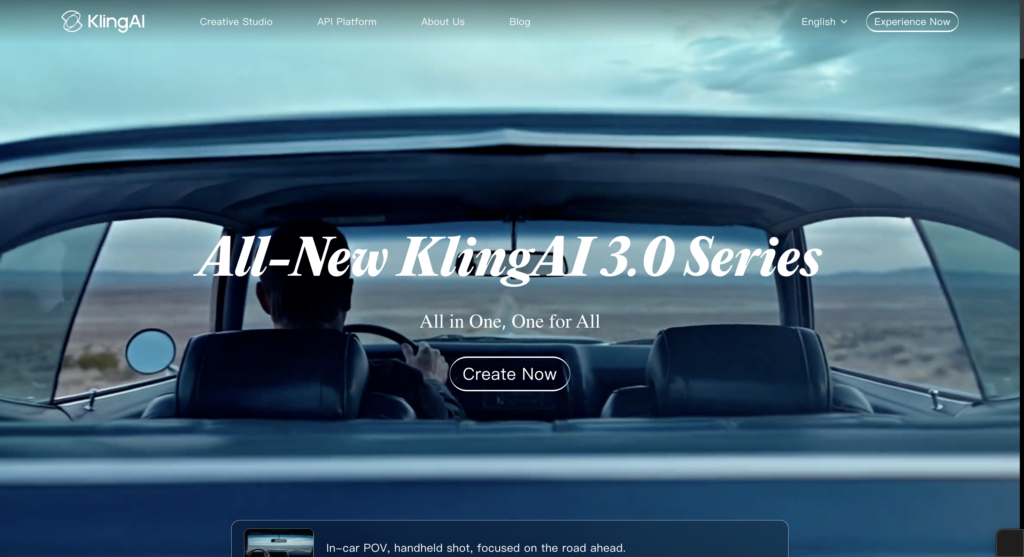
4. Kling AI — Free Video Generation for Reels and B-Roll
Best for: Instagram Reels creators, YouTube Shorts, B-roll for talking head videos
This is the one most creators don’t know about yet. Kling AI offers around 66 free daily credits — enough for roughly 10 short video clips per day. The output is genuinely cinematic: multi-shot sequences, consistent characters, surprisingly good motion physics.
Why this matters for Indian creators: stock footage is expensive, and shooting your own B-roll for every Reel is impractical. Kling lets you generate scene-specific clips — a temple at sunset, a busy Mumbai market, a coding setup, whatever your script needs — in minutes.
What I Like
- 66 daily credits is generous for a creator-scale workflow
- Cinematic quality matches paid tools
- Works for both photorealistic and stylized clips
What I Don’t Like
- Hindi text rendering inside clips is still rough
- Credit reset takes 24 hours, which can bottleneck batch production days
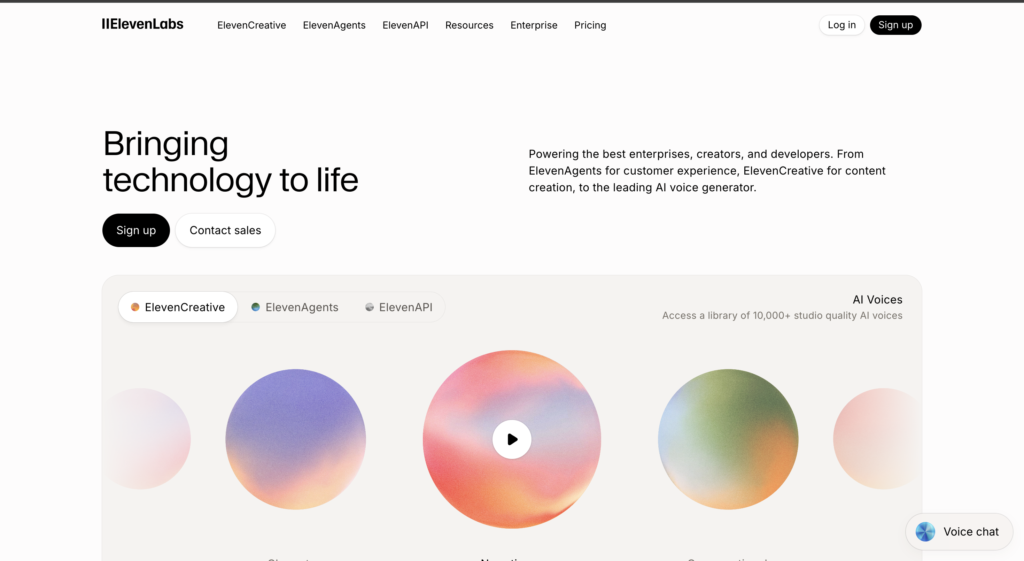
5. ElevenLabs Free Tier — Voice Cloning for Hindi-English Creators
Best for: Dubbing creators, podcast producers, faceless YouTube channels
This is the killer tool for Indian creators in 2026, and almost nobody talks about it openly.
ElevenLabs’ free tier lets you clone your own voice and generate a small monthly allowance of audio with natural-sounding Hindi, English, and several Indian regional languages. For creators running faceless channels, dubbing existing English content into Hindi, or producing podcast intros, this saves hundreds of rupees of paid voiceover work every month.
I’ve tested it in mixed Hindi-English code-switching (which is how most Indians actually talk on Reels and Shorts), and the quality is surprisingly natural. Not perfect — but good enough that most viewers won’t catch it.
What I Like
- Genuinely good Hindi pronunciation, not robotic
- Voice cloning takes under a minute
- Multilingual support including Tamil, Telugu, and Bengali
What I Don’t Like
- The free monthly allowance is tight for daily uploaders
- Some emotional inflections still feel slightly flat
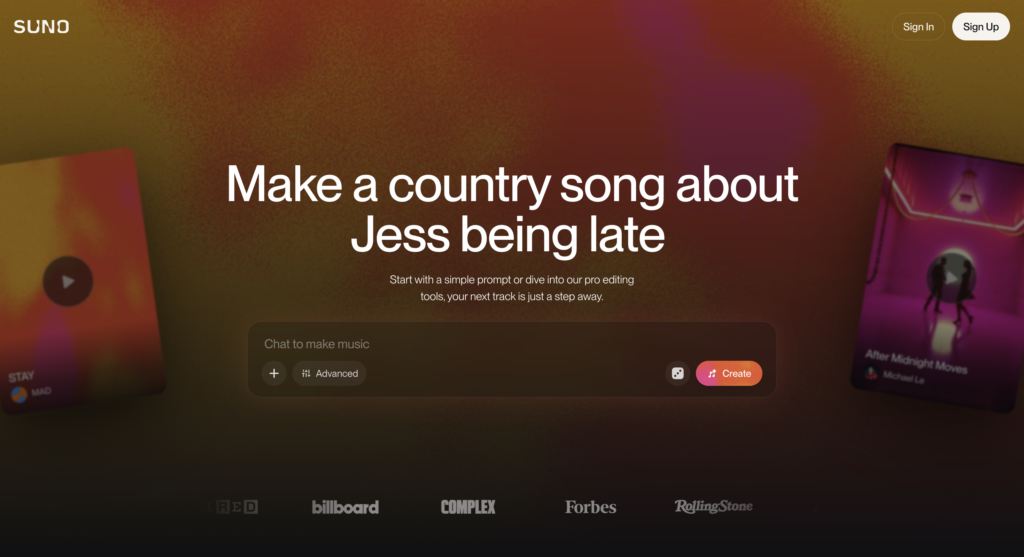
6. Suno AI — Royalty-Free Background Music for Reels
Best for: Reels creators, Shorts producers, podcast intros, brand jingles
Background music copyright strikes are the silent growth killer on YouTube. Suno AI lets you generate original songs — vocals, instrumentation, full tracks — from text prompts. The free tier gives you daily generation credits, and the output is genuinely usable for short-form content.
You can prompt it for specific moods like “upbeat lo-fi for a productivity Reel” or even Indian instrument styles. The music is yours to use under their free-tier terms — no copyright strikes, no royalty fees.
What I Like
- Original tracks every time, no copyright headaches
- Prompt control is intuitive even for non-musicians
- Works well for Reels, Shorts, podcasts, and brand intros
What I Don’t Like
- Lyrics in Hindi sometimes mispronounce specific words
- Free credits reset daily, so you have to plan generation in batches
7. Claude (Free Tier) — The Writing Partner That Actually Sounds Human
Best for: Bloggers, scriptwriters, caption writers, long-form content creators
I’ll be transparent: I use Claude daily for chaotechh.com. The free tier gives generous daily messages, and what sets it apart is tone — the prose feels conversational, opinionated, and editable. It doesn’t sound like every other AI-written article.
For Indian creators, this matters because most paid tools optimize for American business English. Claude handles Hindi-English code-switching, regional context, and editorial nuance better than most competitors I’ve tested when writing for Indian audiences.
What I Like
- Long-form writing genuinely feels human, not template-generated
- Handles Hindi-English mixed content naturally
- Generous free message limit for solo creators
What I Don’t Like
- No native image generation built in (you’ll need Gemini or another tool)
- Web search needs to be enabled per session
Comparison Table — All 7 Tools at a Glance
| Tool | Best For | Free Tier Highlight | India-Specific Strength |
|---|---|---|---|
| NotebookLM | Research, podcasts | 100 notebooks, 50 sources each | Audio Overview saves research time |
| Perplexity AI | Cited research | Unlimited standard + daily Pro searches | Real-time Indian news and specs |
| Gemini (Nano Banana) | Image editing | Monthly AI credits | Hindi prompt support |
| Kling AI | Video generation | ~66 daily credits | Cinematic clips for Reels |
| ElevenLabs | Voice cloning | Monthly free minutes | Strong Hindi + regional languages |
| Suno AI | Music generation | Daily credits | Royalty-free, no strikes |
| Claude (Free) | Writing & scripts | Daily message limit | Natural Hindi-English code-switching |
Best Choice Based on Creator Type
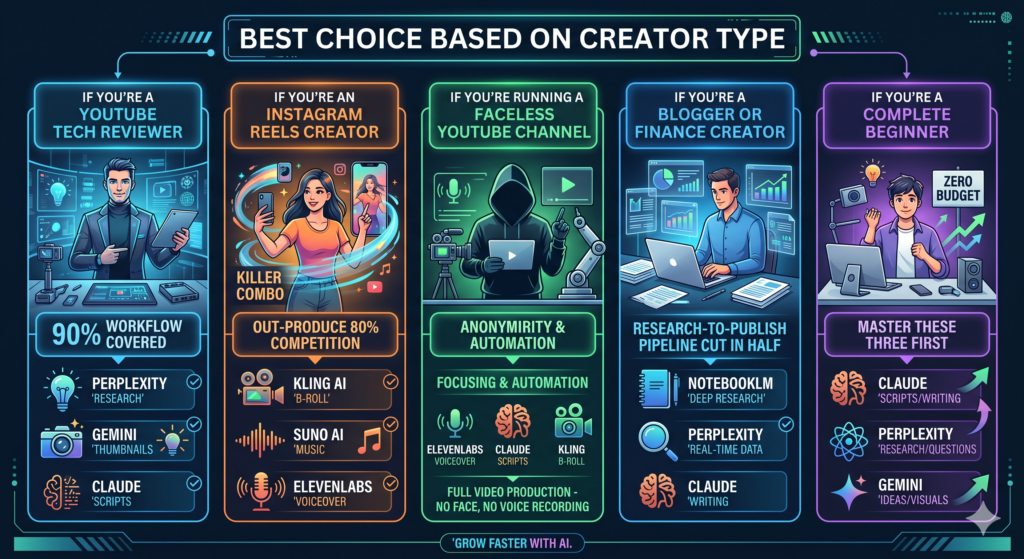
If you’re a YouTube tech reviewer: Lead with Perplexity (research) + Gemini (thumbnails) + Claude (scripts). This stack covers 90% of your weekly workflow.
If you’re an Instagram Reels creator: Kling AI (B-roll) + Suno AI (music) + ElevenLabs (voiceover) is the killer combo. You’ll out-produce 80% of your competition without ever opening a paid app.
If you’re running a faceless YouTube channel: ElevenLabs + Claude + Kling — you can produce a full faceless video without ever showing your face or recording your voice.
If you’re a blogger or finance creator: NotebookLM + Perplexity + Claude — the research-to-publish pipeline gets cut in half.
If you’re a complete beginner with zero budget: Start with Claude + Perplexity + Gemini. Master these three before adding video and audio tools to your stack.
Pro Tips and Hidden Features Most Creators Miss
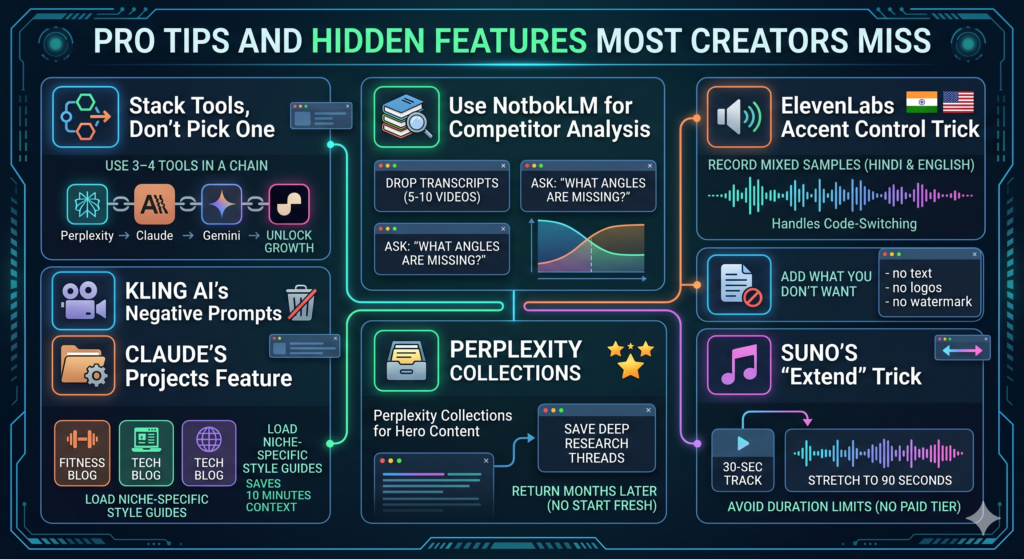
- Stack tools, don’t pick one. The Indian creators winning right now use 3–4 tools in a chain — Perplexity to research, Claude to write, Gemini to design, Suno to score. The compound effect is what unlocks growth.
- Use NotebookLM for competitor analysis. Drop 5–10 transcripts of competitor YouTube videos into a single notebook. Ask: “What angles are these channels missing?” It’s a content-gap goldmine, especially for niche Indian topics.
- ElevenLabs accent control trick. When cloning your voice, record samples in both Hindi and English. The model handles code-switching far better when given mixed-language training audio.
- Kling AI’s negative prompts. Add what you don’t want in your prompt — “no text, no logos, no watermark” — and the output cleans up dramatically.
- Claude’s Projects feature. Use Projects to keep niche-specific style guides loaded — your fitness blog gets one project, your tech blog gets another. It saves you 10 minutes of context-setting per session.
- Perplexity collections for hero content. Save deep research threads as Collections so you can return to a topic months later without starting fresh.
- Suno’s “extend” trick. Generate a 30-second track, then use the extend feature to stretch it to 90 seconds — gets around the duration limits without a paid tier.
FAQ
Q: Are these AI tools really free, or just free trials? All 7 tools listed have genuine free tiers — not 7-day trials. Some have daily or monthly usage caps, but you can keep using them indefinitely without paying anything.
Q: Are these AI tools allowed for monetized YouTube channels and Google AdSense? Yes — generated content is generally fine for monetization as long as it’s transformed, original, and adds genuine value. Avoid using AI to mass-produce thin or duplicated content; that’s what triggers AdSense and YouTube policy strikes.
Q: Which is better for Indian creators — ChatGPT or Claude? For free-tier writing tasks, Claude tends to handle Hindi-English code-switching more naturally and writes longer-form content with better flow. ChatGPT’s free tier is also competitive, especially for image generation. Try both for a week and see which sounds more like you.
Q: Can I use Suno music in Instagram Reels without copyright strikes? Yes — Suno’s terms allow free-tier music for personal and creator use on most platforms. Always check the current terms before commercial or branded use, since terms do change.
Q: Do I need a paid VPN to access any of these tools from India? No. All 7 tools work directly from India without a VPN. Sign-up is straightforward with an Indian phone number or email.
Q: Which tool should a complete beginner start with? Claude. It’s the most forgiving, handles the widest range of tasks, and the free tier is generous enough to actually learn on without hitting caps.
Q: Can I use these tools on a low-end phone or only on PC? Most of these (Claude, Perplexity, Gemini, NotebookLM) have full mobile apps that run smoothly on entry-level Android phones. Kling and Suno are easier on a laptop but accessible from mobile browsers.
Final Verdict
Here’s the honest truth: there’s no single “best” AI tool for Indian creators in 2026. The creators growing fastest right now are the ones who’ve stopped looking for one perfect tool and started building a free-tier stack.
If I had to recommend just one tool to start with based on highest ROI and easiest learning curve, it’s Claude (Free Tier). It anchors a writing-first workflow that scales naturally as you add Perplexity for research, Gemini for visuals, and Kling or Suno when you’re ready for video and audio.
The good news: every tool above is genuinely free to start with. The honest news: there’s no excuse left for not building a content workflow in 2026.
👉 What to Do Next
Pick one tool from this list, use it daily for a week, and then layer in a second one. Most creators fail because they try all seven at once and burn out — start small, get one workflow working, then expand.
If this guide helped you, you’ll probably also enjoy:
- Best Free AI Apps for Android in India 2026
- Best Mobile Gimbals in India 2026: Smooth Your Shots Like a Pro
- I Cloned My Voice Using Free AI and Made a Full Song — Here’s Exactly How I Did It [2026]
- Top 10 AI Agents to Scale Your Content Business in India (2026 Guide)
Drop a comment below and tell me which tool you’re trying first — and if there’s an AI tool I missed that you swear by, I genuinely want to know.